How to Photograph Your Kids Without Showing their faces
If you read my post on why I don't post my child's face online, you already know where I stand on sharenting. But the question I get most often isn't about the why, it's about the how. Because keeping your child's face off the internet doesn't mean keeping them out of your photos entirely. Some of my favorite images of my son don't show his face at all, and they're more evocative for it. Here's how I do it.
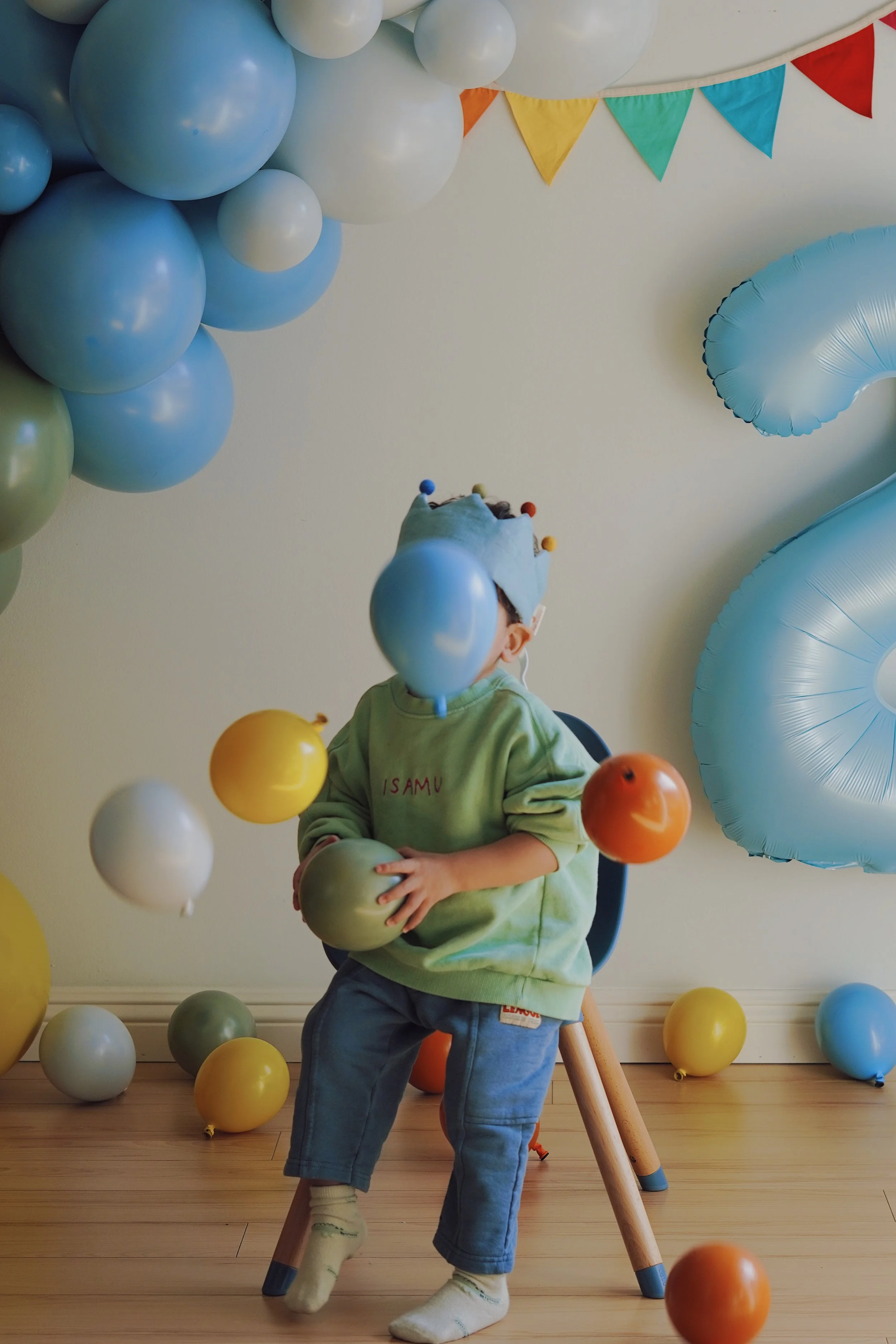
1. Use Objects to Obscure Their Face
A book, a toy, a balloon, a hat pulled low — anything your child is naturally holding or wearing can do the work. The key is letting it happen organically rather than staging it. Kids are always grabbing things. Wait for the right moment and shoot.
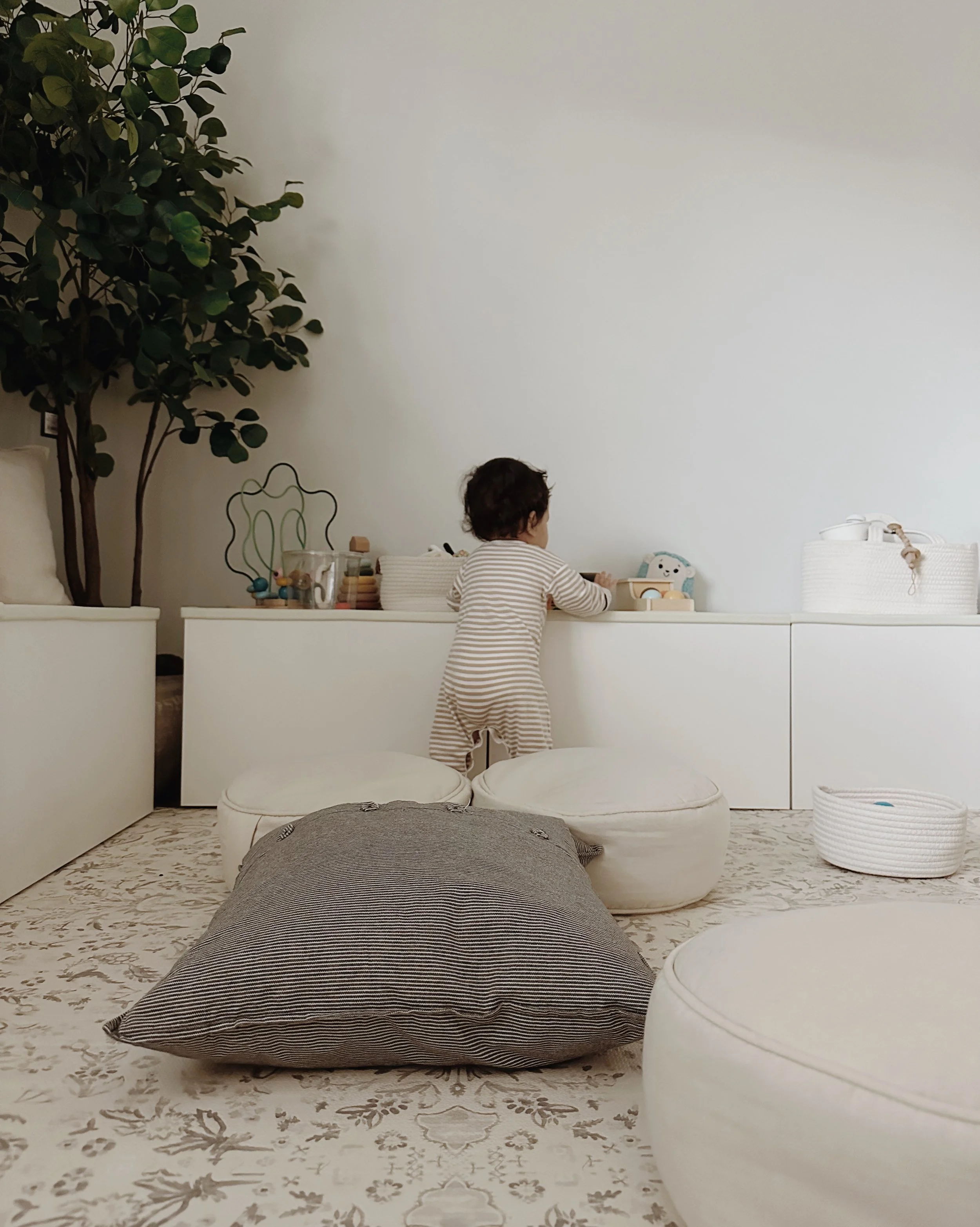
2. Shoot From Behind
Some of the most tender childhood photos are taken from behind. A small figure walking ahead of you, sitting at a table, standing at a window. The back of a child's head is remarkably expressive. You see the whole world they're looking at without seeing their face at all.
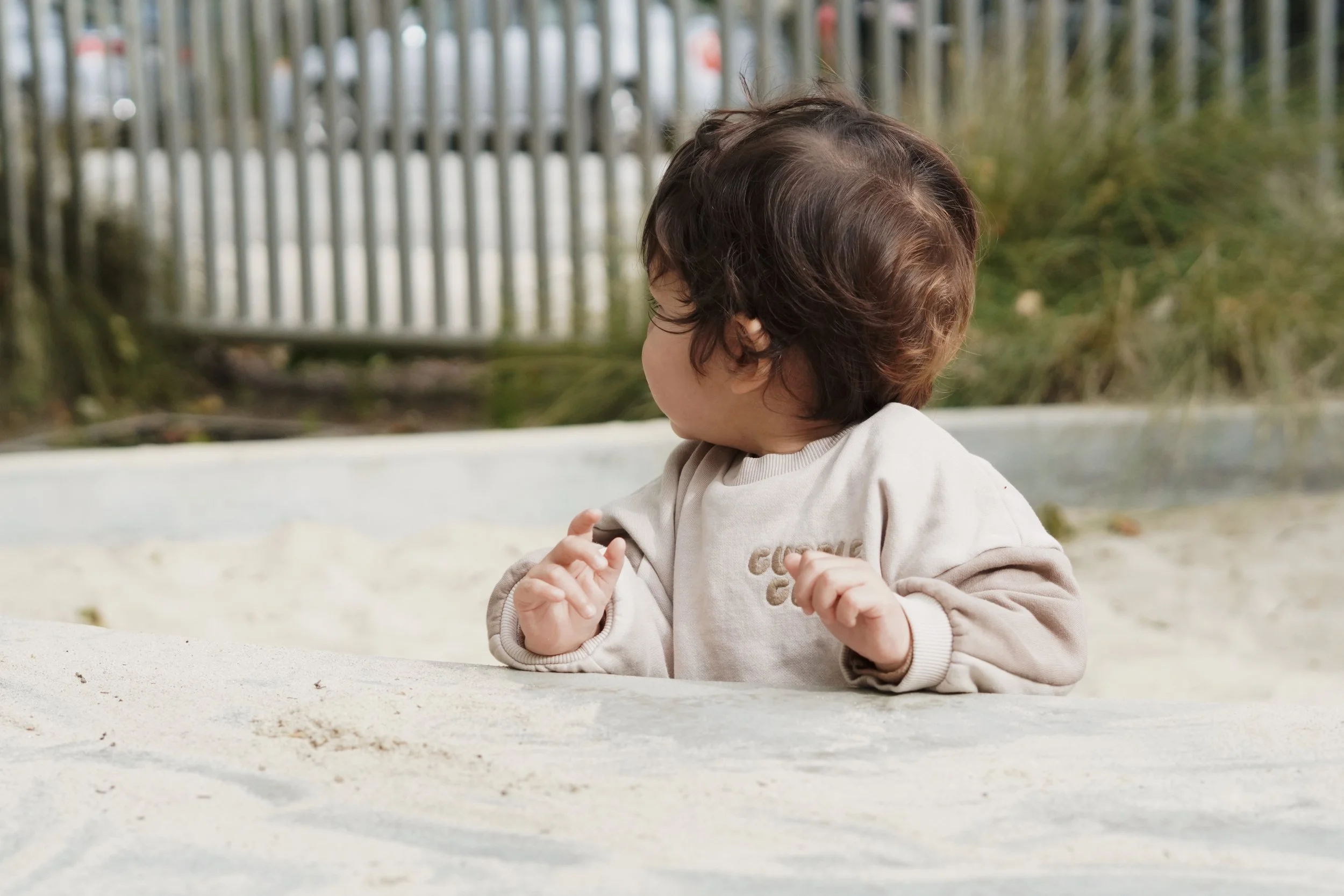
3. Head Turned, Looking Away
A three-quarter turn or a profile shot where the face isn't fully visible is one of the most natural looking approaches. It reads as candid rather than intentional, which is exactly what you want.
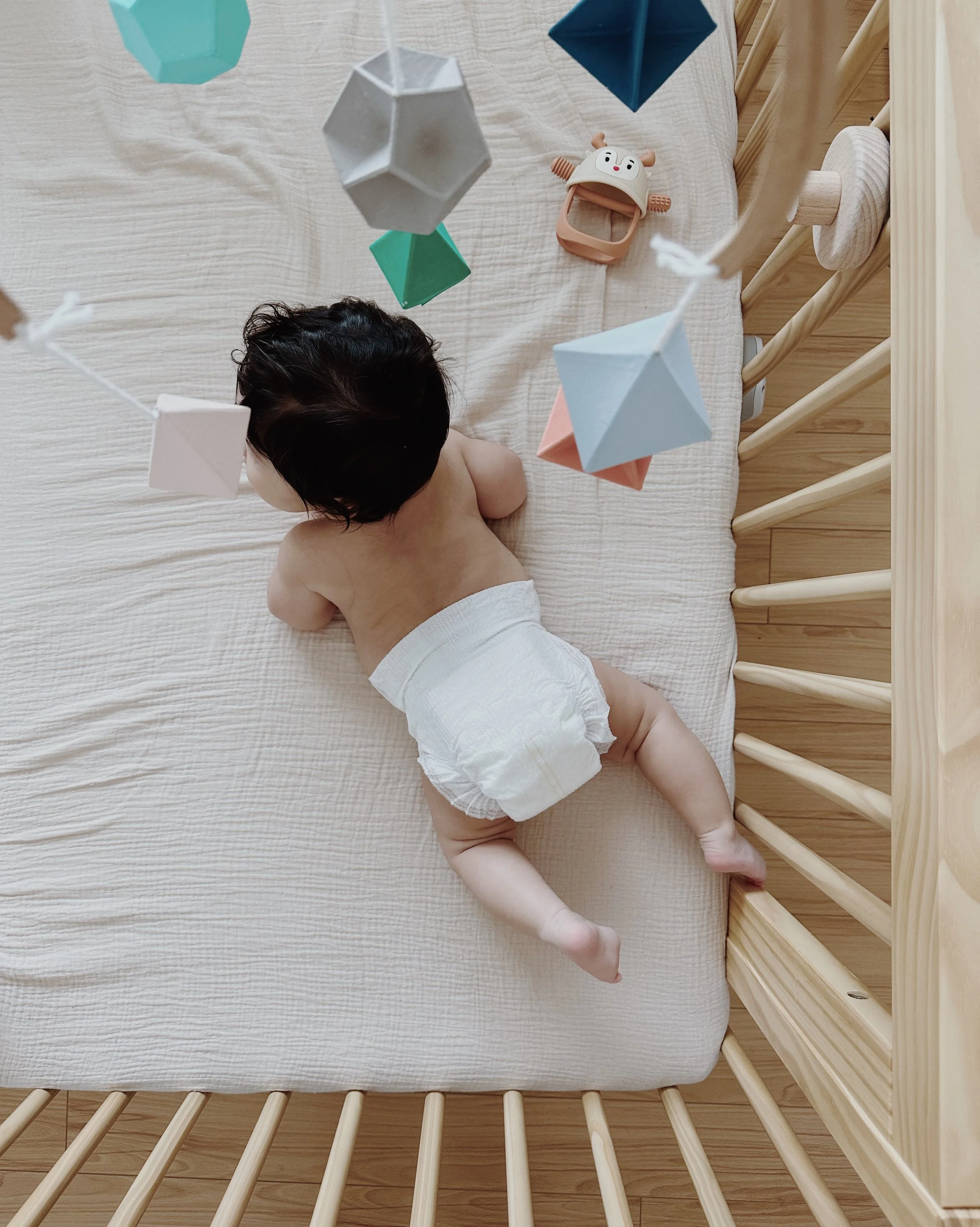
4. Shoot From Overhead
A bird's eye view is one of the most versatile angles for young children. They're small, they're often on the floor, and the perspective naturally excludes their face. It also tends to produce beautiful, graphic compositions. A baby on a blanket, a toddler playing with blocks, a child doing a puzzle — all stunning from above.
5. Layer Them Behind People
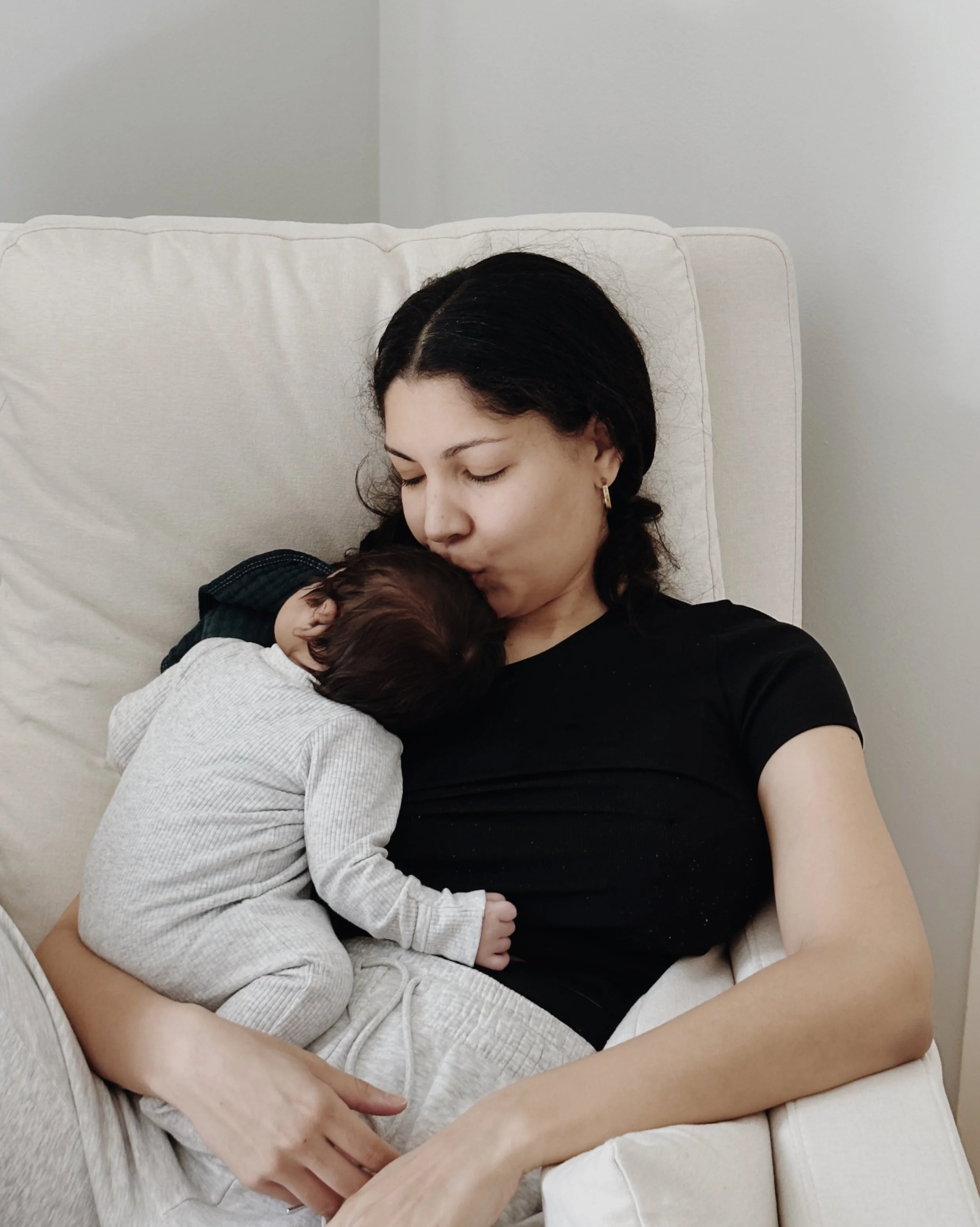
Let your child peek out from behind you, a sibling, or another family member. The layering creates depth and keeps their face naturally obscured. The mom and child embrace is one of the most timeless compositions in photography for exactly this reason.
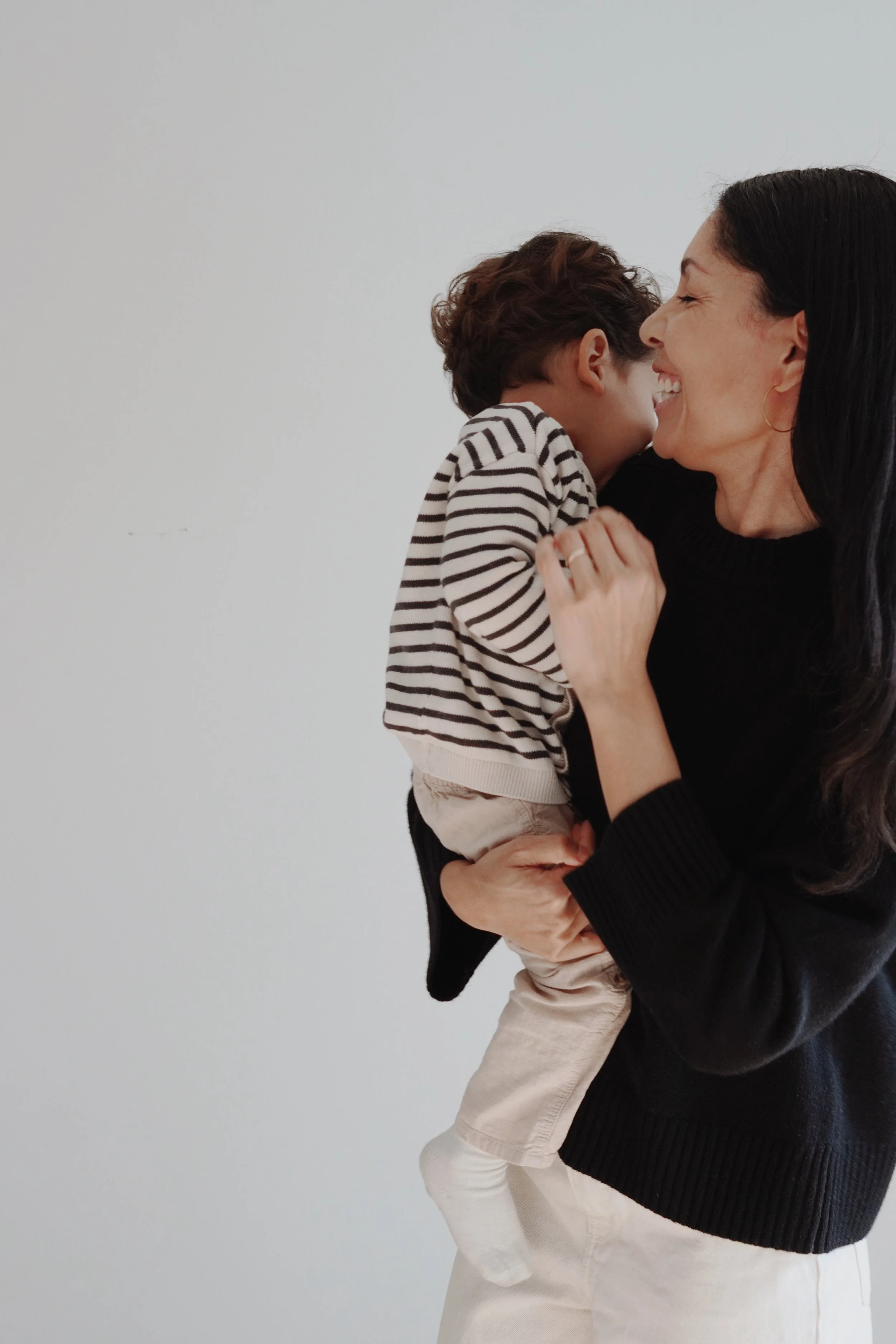
6. Shoot Out of Focus
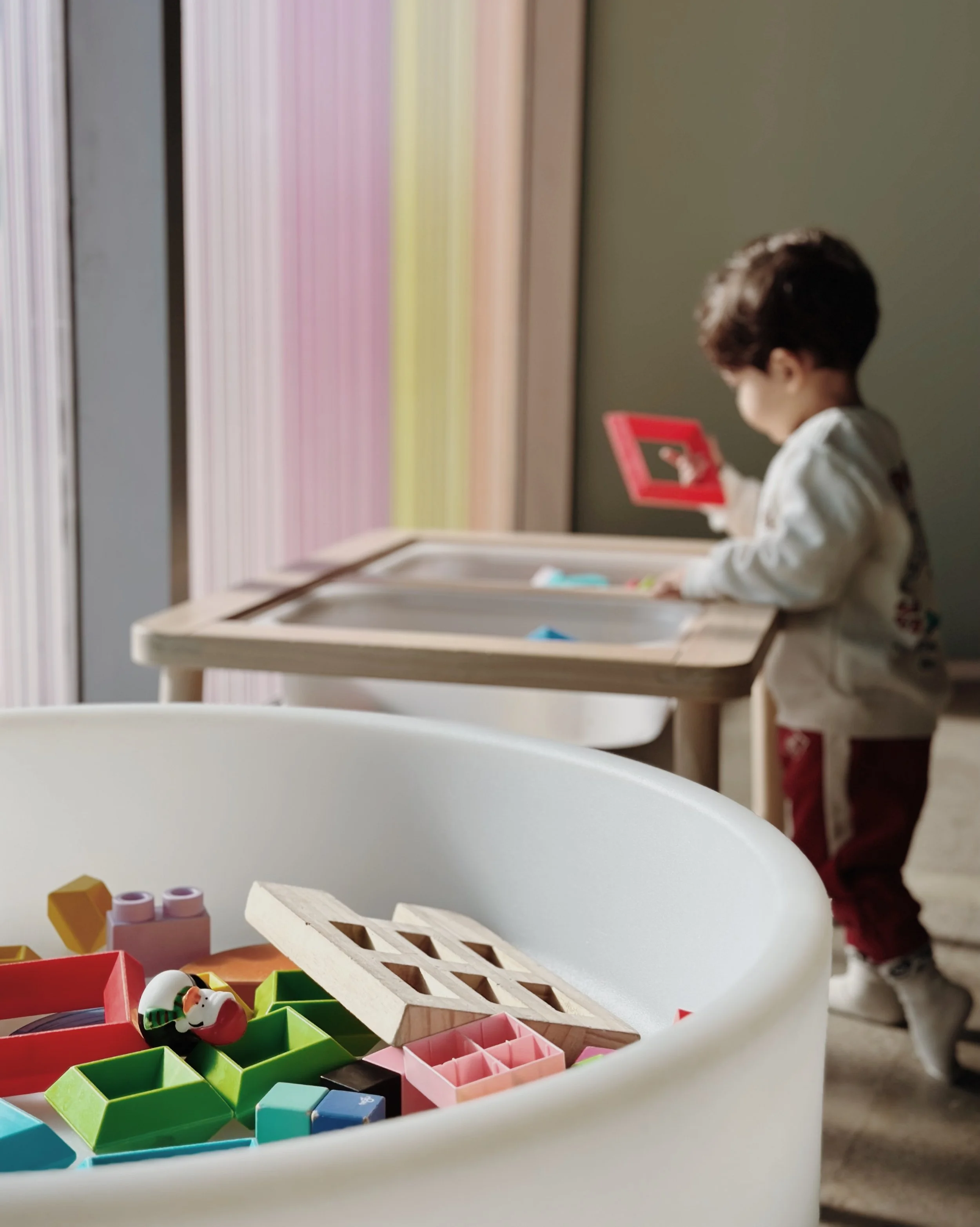
Put your child in the background and focus on something in the foreground. A coffee cup, a toy, a flower. Your child becomes part of the scene without being the subject. This works particularly well on iPhone portrait mode or with a camera lens that has a wide aperture.
7. Silhouettes and Shadows
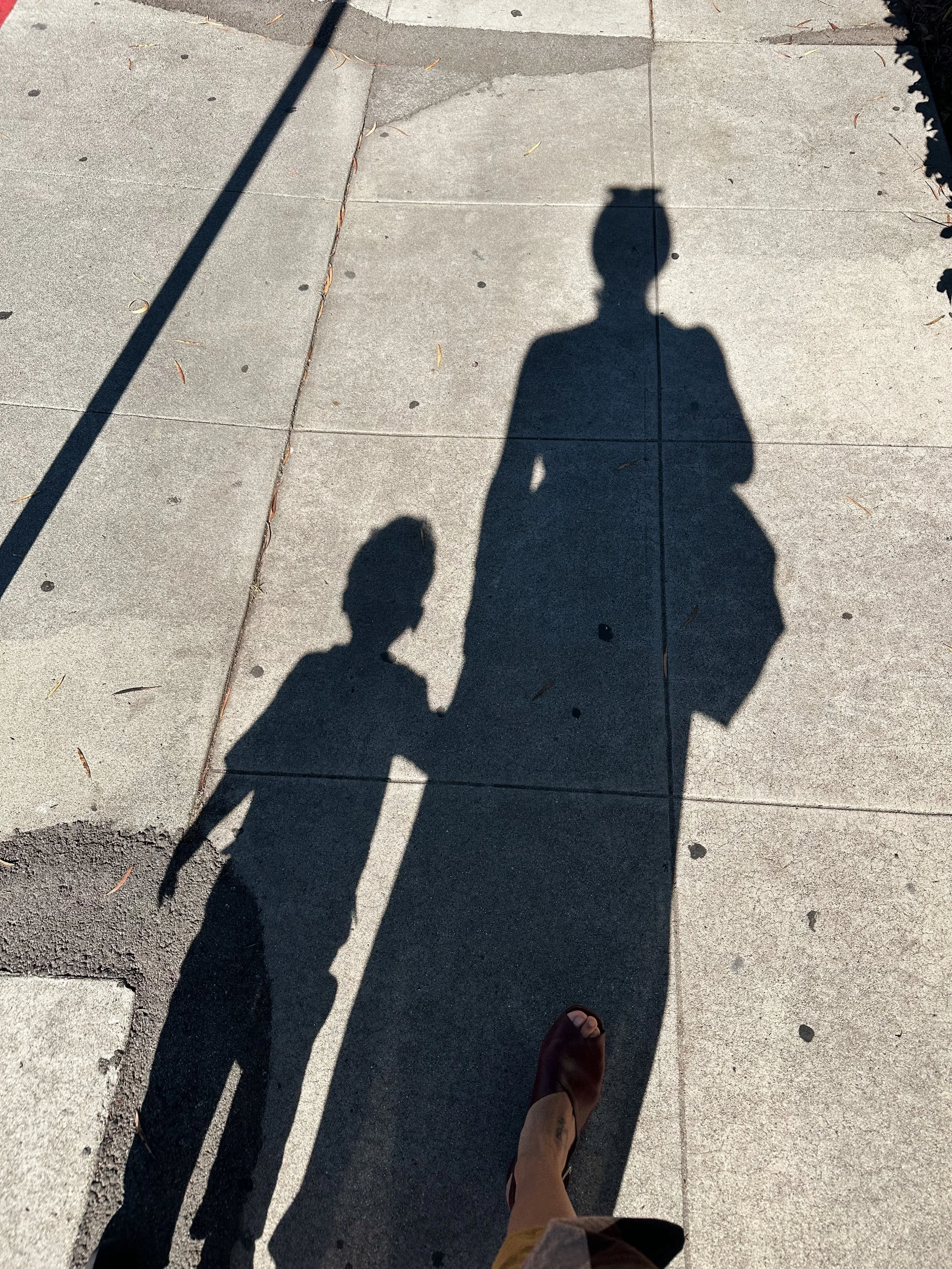
Backlit shots at golden hour, shadows on pavement, silhouettes against a bright window. These are some of the most striking images you can capture and they reveal nothing identifying. My son's shadow has appeared in more of my photos than his face ever will.
8. Crop Their Face
Sometimes the simplest approach is the most effective. Compose or crop your shot so the frame cuts off above the nose, at the chin, or focuses entirely on hands, feet, or another detail. Tiny hands wrapped around yours. Bare feet in the sand. A curl at the nape of the neck.

9. Use an Emoji
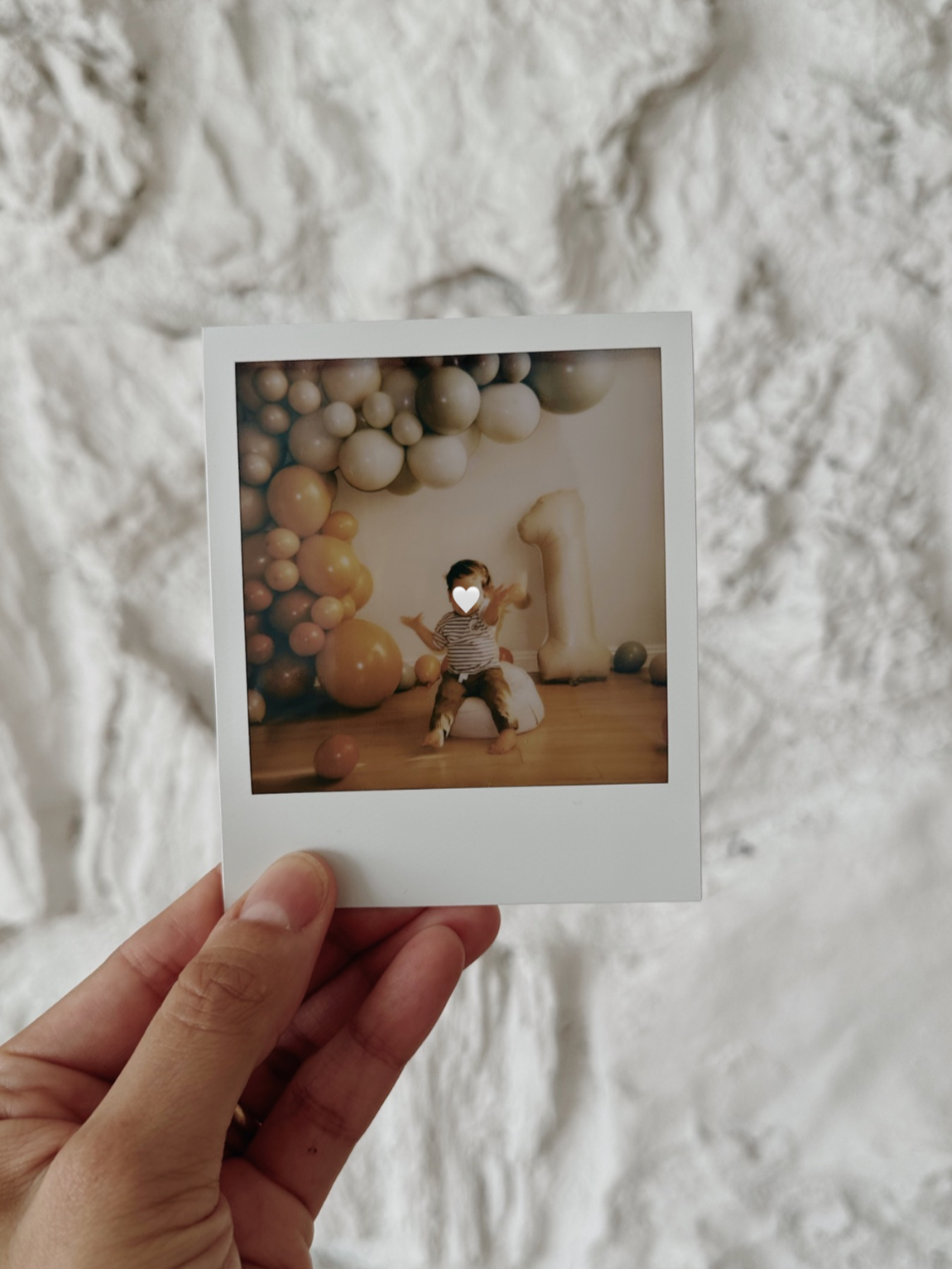
For screenshots, reposts, or moments where you want to share something in the moment without editing, a well placed emoji does the job. It's the least subtle approach but sometimes the most practical one.
A note on editing
I edit almost all of my photos in VSCO. The film-inspired presets are what give my feed its warm, consistent look. For face obscuring I rely mostly on composition rather than editing, but for any post-production blurring I use the blur tool in Lightroom Mobile which gives you precise control. Both apps are free to start.
The bottom line
You don't have to choose between protecting your child's privacy and sharing your life. With a little intentionality behind the lens, you can have both. These aren't workarounds. They're just good photography.
